Do my guests need to install an app?
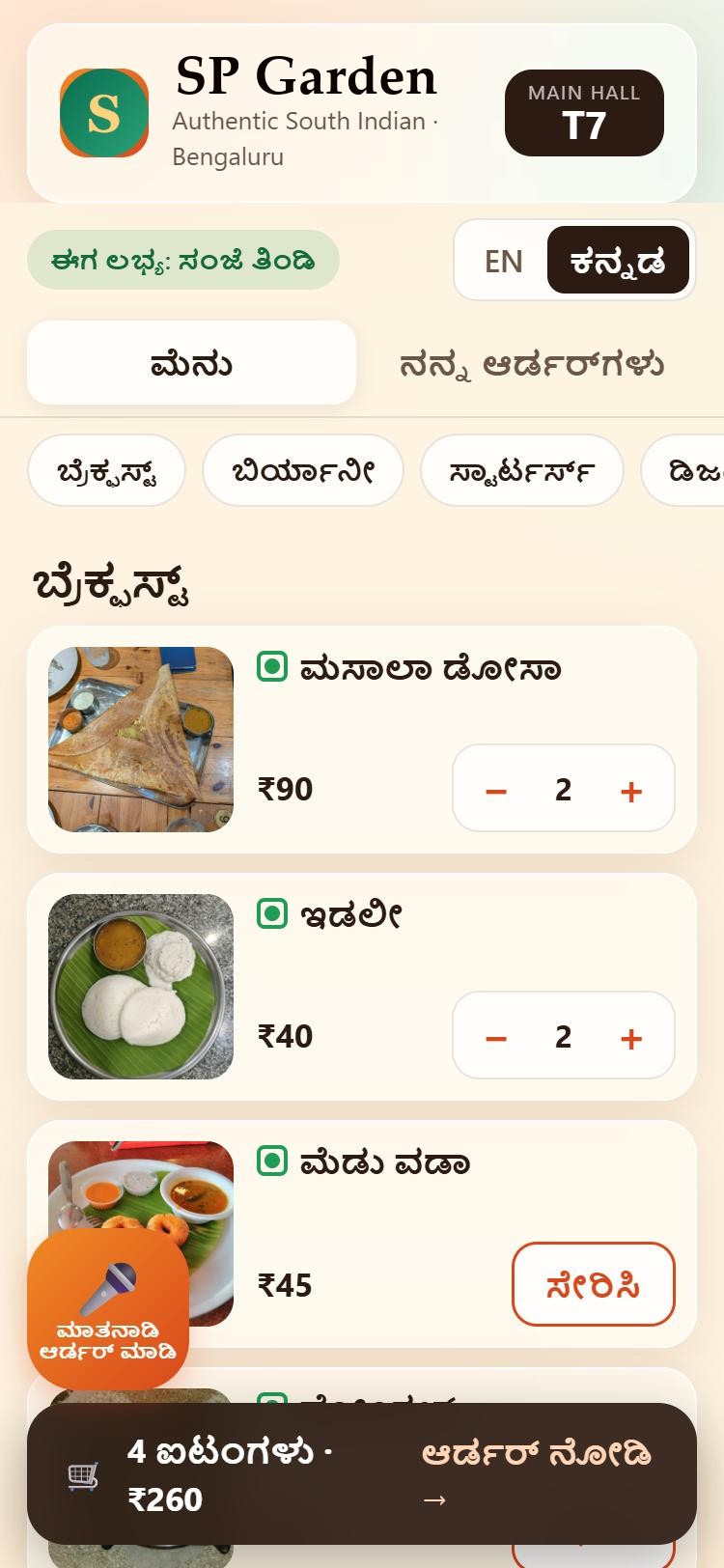
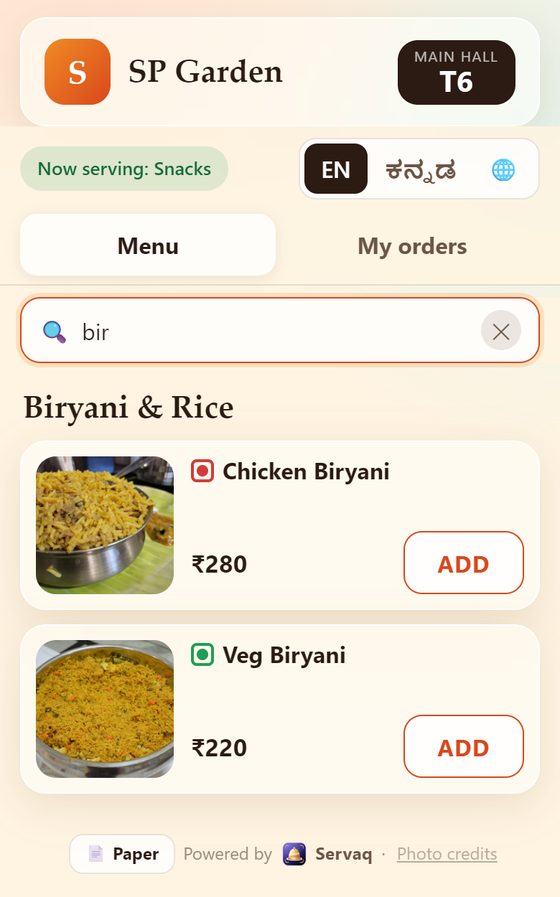
No. They scan the QR code with their phone camera and the menu opens in the browser. No app, no login.
What do I need to get started?
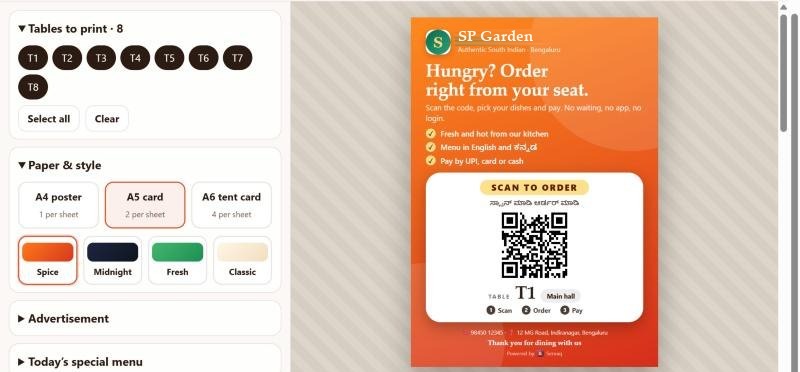
A phone or laptop for the owner screen, a tablet or monitor for the kitchen, and printed QR cards for your tables. You can print them from inside Servaq.
Where does the money from guests go?
Straight to your own UPI or Razorpay account. Servaq never holds your money.
What happens after the 30 days?
You choose a plan to continue. We remind you before your trial ends, and you can subscribe any time from Settings.
Do I need to take photos of every dish?
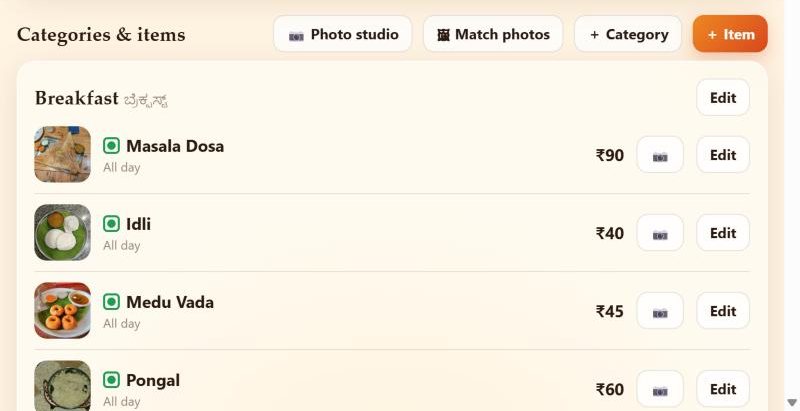
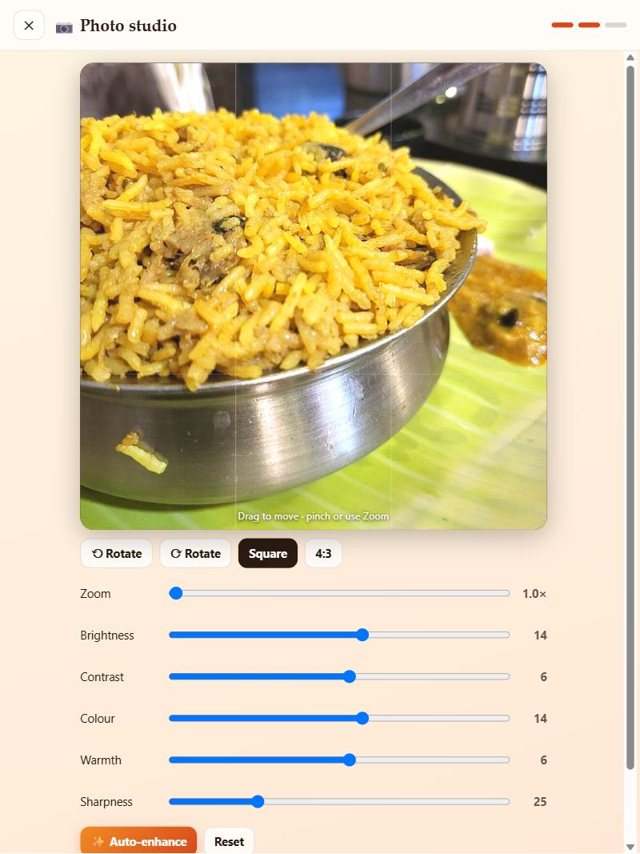
No. Servaq has a shared photo library. When you import your menu, matching photos are added to your dishes automatically, and you can swap any of them. To use your own, open the Photo studio on your phone or iPad, take the picture, brighten or crop it, and attach it to the dish.
Can I print a receipt with my logo?
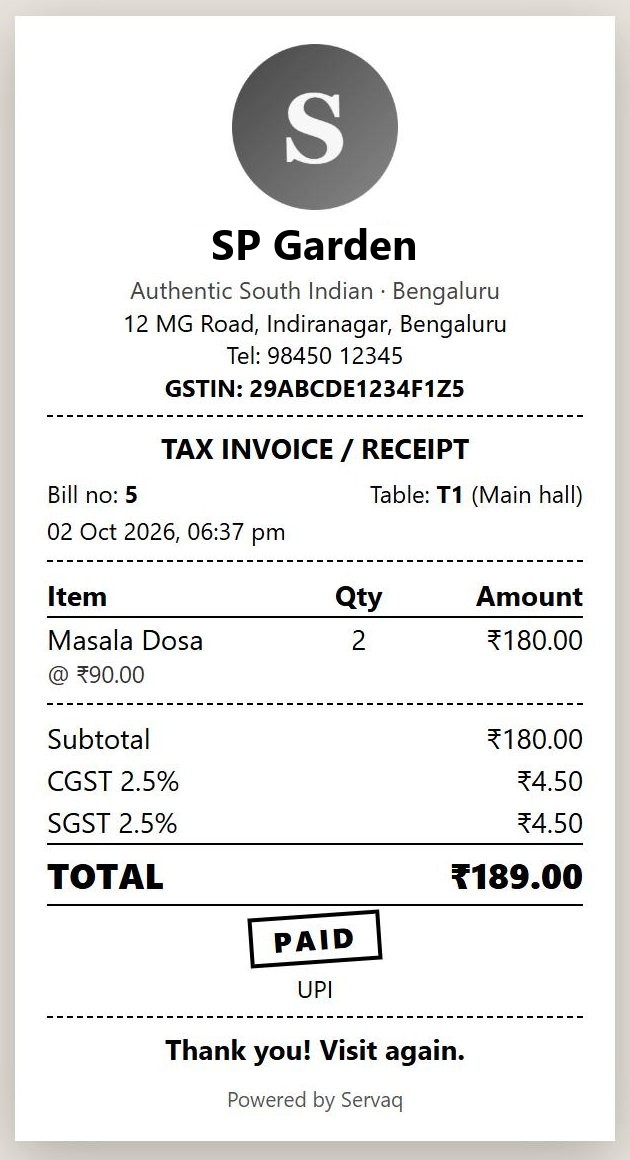
Yes. Print a bill or a receipt from any table or from the bills list, on an 80 mm thermal roll, A5 or A4. It carries your logo, address and GSTIN with a CGST and SGST split. Guests can also save their own receipt from their phone.
Does my subscription renew by itself?
If you want it to. Switch on auto-renew in Settings with UPI AutoPay or a card, and each period is charged on its date, following your table count and any referral credit. You can turn it off any time, and every payment comes with a GST invoice.
Is there a referral programme?
Yes. Every account gets a referral link. A restaurant that joins through it gets 15 extra free days, and when it makes its first payment you earn 25% of that invoice as Servaq wallet credit (between ₹150 and ₹1,500). The credit is applied automatically to your next subscription payment and cannot be withdrawn.
Can I run more than one restaurant?
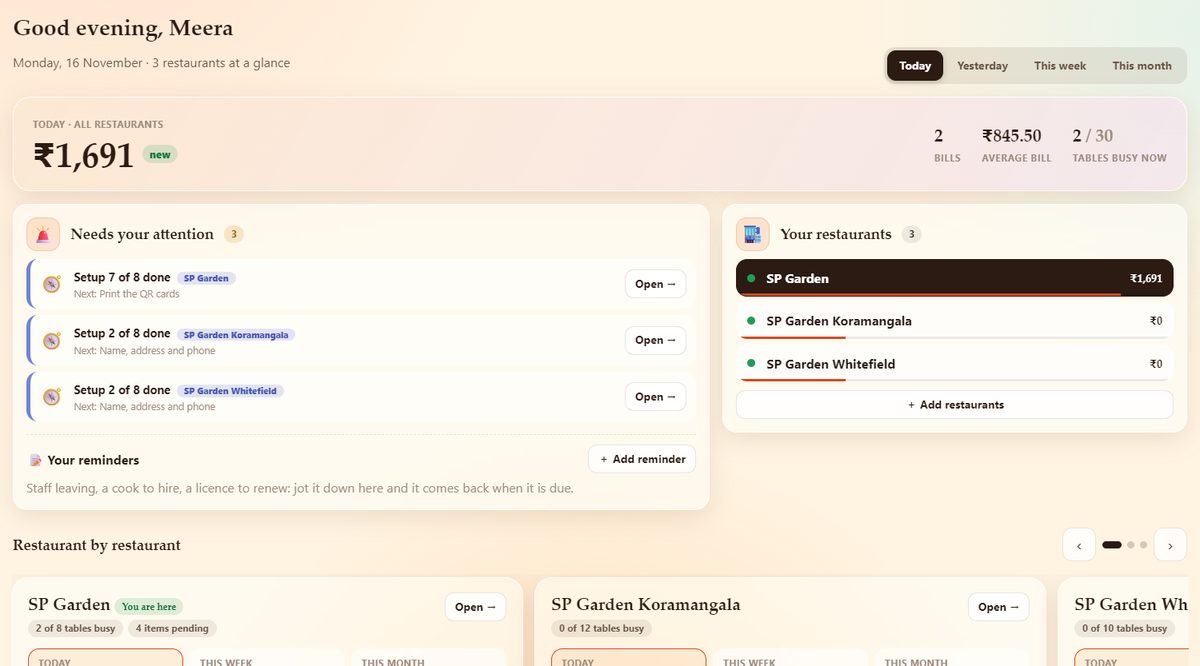
Yes. Add every location as an outlet under one login. Each outlet keeps its own tables, menu, staff, UPI and GST, you switch between them from the top bar, and one subscription covers the tables of all of them.
Which languages does it support?
Each restaurant picks one language to show next to English, from Settings: Tamil, Kannada, Telugu, Malayalam, Hindi, Marathi, Gujarati, Bengali, Punjabi, Odia or Assamese. Dish names fill in automatically in that script (you can edit any of them), and guests can order by voice where their phone supports the language. A restaurant in Bengaluru picks Kannada, one in Hyderabad picks Telugu, and so on.
Can I run more than one kitchen?
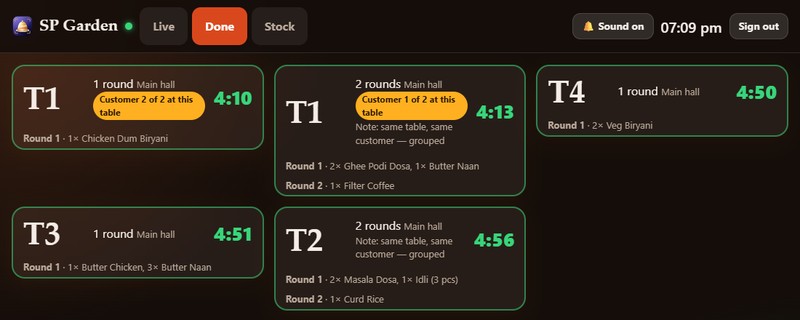
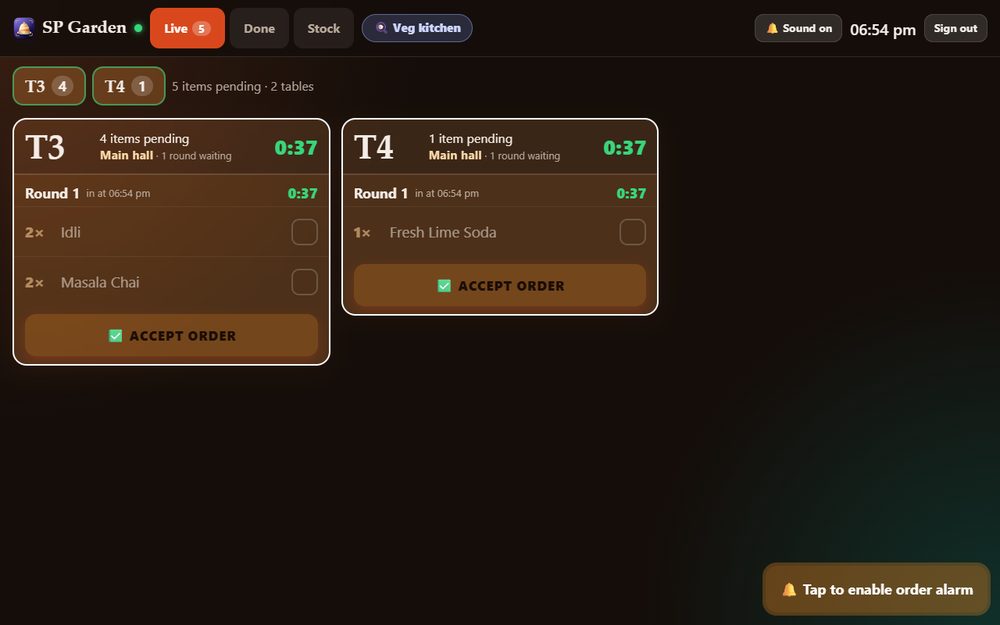
Yes. Add as many kitchens as you need (veg, non-veg, tandoor, bar) and say which dishes, categories or diets go to which. Each kitchen has its own login and screen and sees only its own dishes. One table can order from several kitchens on a single bill.
What can a manager see?
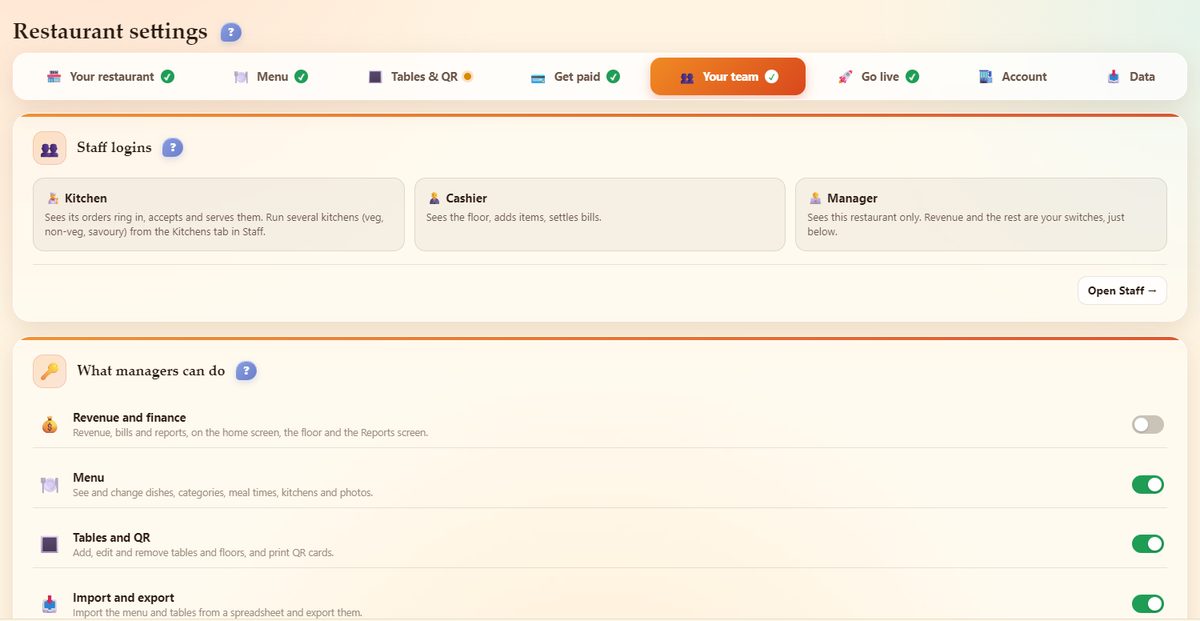
You decide, with switches: finance (off by default), menu, tables and QR, import and export, settings and actions. A manager only ever sees their own restaurant, and the owner keeps the name, address, logo, GST and payment details.
Can the menu be shared between my outlets?
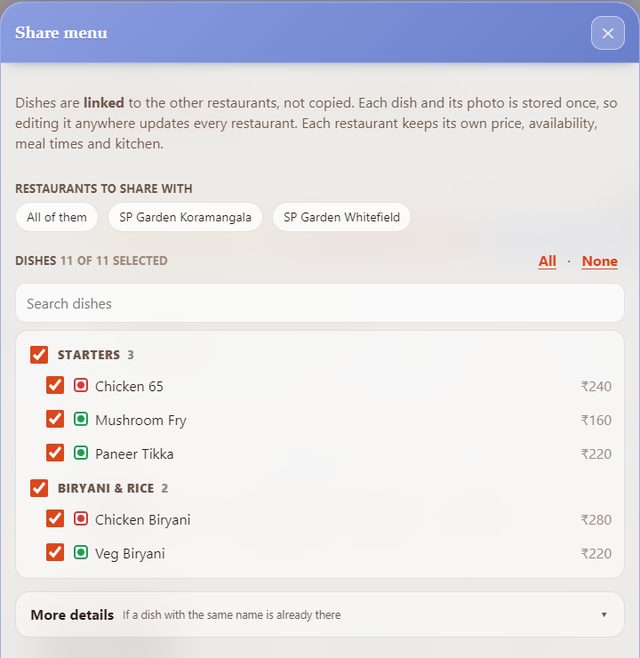
Yes. Share dishes from one outlet to others with a tap: they are linked, so the name, description and photo are stored once. Every outlet keeps its own price, availability, meal times and kitchen. Changing a shared dish asks whether to update every outlet or only this one.
How do you stop guests ordering from outside or for the wrong table?
You can limit ordering to guests who are inside the restaurant, let a table rest after it has paid until your team marks it ready, have the team confirm a new party at a table with an open bill, and block one phone from ordering at table after table. Only a supervisor can move a party to another table.
Does a guest's tip reach the cashier?
Yes. The tip a guest adds is saved with the bill: it shows on the floor tile and is pre-filled when the cashier settles, and the cashier can still change it.
Is my data safe?
Each restaurant's data is kept separate. Passwords are stored hashed and payment keys are encrypted.